


















Marketo Engage January Release Notes Commentary
It has been a few months since the last official release for Marketo Engage was announced in October, leaving many of us eagerly anticipating the next round of enhancements. The wait is finally over, and the latest release notes from Adobe deliver a compelling set of updates. Unsurprisingly, the new email designer continues to take center stage, but we’ve also been treated to significant developments happening out of cycle, as well as critical announcements that all users must heed.
Let’s break down the key updates you need to know and how they will impact your daily work.
The new email designer is clearly the strategic focal point for Marketo, and the next few weeks will see the rollout of several small but important enhancements designed to smooth out the email creation workflow.
One of the most intriguing upcoming features is Managing brands, which is set to launch in beta. The promise here is the ability to set specific copywriting guidelines to be used when generating email content. This suggests a step toward greater brand consistency and less manual review, especially for teams managing multiple product lines or geographies.
The question of how this relates to the recently released brand themes remains. Themes typically control the visual aspects-colors, fonts, layout – whereas brand guidelines seems to manage the voice and tone. A truly integrated experience would allow the visual theme and the written guidelines to work in concert, ensuring every piece of content is on-brand. This is a feature I will be keeping a close eye on and investigating as soon as it ships.
In a related update, an enhancement to the AI Assistant means you can now include a brand asset directly within your prompt, rather than having to configure it in a separate area. This is a small but powerful usability improvement that makes the process of generating tailored, on-brand content more intuitive and less prone to configuration errors. It reinforces the idea that the AI Assistant is becoming a more central part of the email creation process.
Workflow Quality-of-Life Improvements
Small adjustments can often make the biggest difference in day-to-day operations, and this release includes several that will be warmly welcomed by frontline marketers:
- Fragment Thumbnails: Fragments – those reusable blocks of content – will now be displayed with thumbnails. While this sounds minor, consider the time saved when compiling a complex email from a library of dozens of fragments. No longer will a marketer have to open each one to see what it looks like. This instant visual reference will make the process of assembling emails infinitely easier, especially when there are many similar fragments to choose from.
- Support for Multi-Level Bullets: The platform will now support multi-level bullets in the email content, a feature many have requested for better structuring complex information. A word of caution, however: while convenient, I would still recommend marketers be cautious. Email clients like Outlook and Gmail often have their own, sometimes unpredictable, interpretations of the underlying HTML/CSS code used to create nested bulleted lists. This can make it difficult to control the exact rendering of styling, spacing, and indentation. For absolute certainty that your email displays the way you intend across all major clients, using a clean table structure remains the most reliable, cross-client-compatible method.
- Segmentations from Shared Folders: Previously, managing segmentations for conditional content, especially across shared workspaces, could be frustrating. Now, segmentations from shared folders will be available to use, greatly simplifying cross-workspace collaboration and content reuse.
- Alphabetical Segmentation Display: Segmentations will now be shown in alphabetical order when creating Conditional Content, a simple change that removes a small but persistent day-to-day frustration of hunting for the correct segmentation in long, unorganized lists.
- Folder Support for Email Assets: Finally, folders will now be supported so you can organize your new email templates, emails, and fragments for easier reference. This is a massive organizational win. The key question I will be testing as soon as this ships is whether this folder support also allows for sharing these folders with other workspaces. The ability to share an entire, organized folder structure would be a game-changer for agency-client or multi-brand setups.
Launch with Confidence
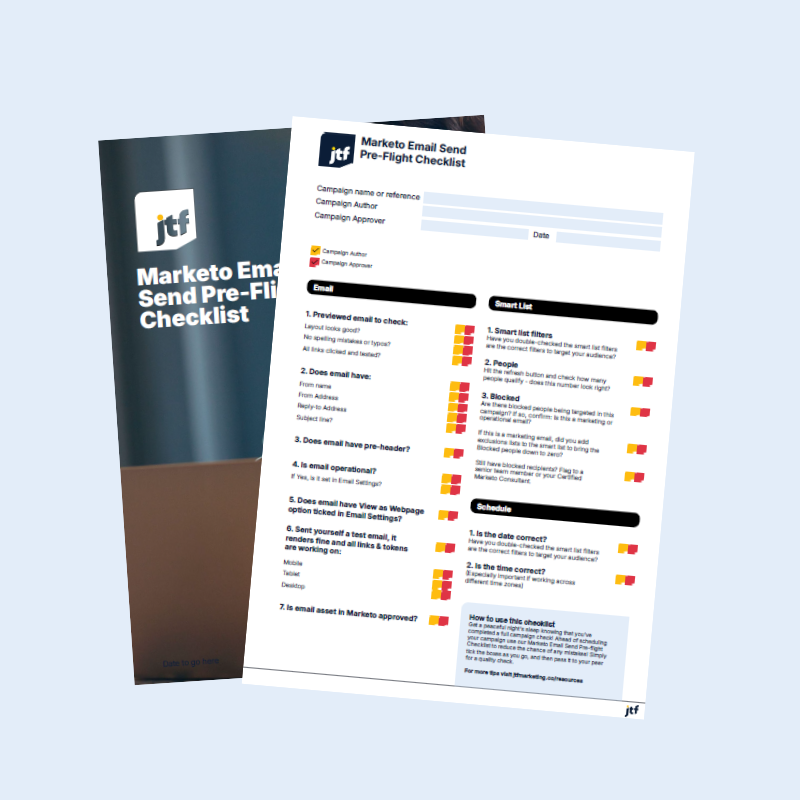
Marketo Email Send Pre-flight Checklist
Before you hit “Send,” make sure your Marketo email campaign is fully prepped and polished. Our Pre-flight Checklist helps you avoid common mistakes, streamline peer reviews, and ensure your email lands exactly as intended – no broken links, missing tokens, or last-minute panic.
Enhancements to the Interactive Webinar Experience
While the email designer dominates the release, previously deployed enhancements to the interactive webinar experience are also included in the notes, demonstrating Adobe’s efforts to integrate its ecosystem. These updates relate more to Adobe Connect than to Marketo, but they have direct implications for how marketers manage follow-up.
- The New Survey Pod: To distinguish between spontaneous engagement (polls) and structured feedback (surveys), a new Survey pod has been added. For Marketo users, this means a new, distinct trigger and filter are available. You can now respond differently to attendees who answered quick polls versus those who completed a detailed survey in your webinar follow-up campaigns, leading to more personalized and relevant post-event nurturing.
- Combined Resources Pod: The previous separate Files and Web links pods have been neatly combined into a single Resources pod. This helps present all relevant materials – downloads, external links, case studies – more neatly and professionally to your audience. Crucially, Marketo will still provide different triggers for who clicked on a link versus who downloaded an asset, allowing you to maintain granular control over your follow-up logic based on the user’s specific action.
- Webinar Room Interface Facelift: The webinar room interface has also received a facelift. If you use saved webinar room layouts, take some time to review the new experience and make any necessary adjustments to ensure your presentation environment is optimized.
Critical Announcements: API Deprecation and Community Migration
No release is complete without important communications regarding the platform’s future, and this one includes two critical announcements.
1. API Deprecation: Time to Act Now
The deprecation of the SOAP API and the REST API ‘access_token’ query parameter have been communicated several times before, but the final sunset date is now locked in: March 31st.
If you still have API users authenticating through the access_token query parameter – a method that poses security risks – immediate action is required. Admins should have been notified about this with an in-app message in Marketo. It is absolutely crucial to reach out to the owners of your Launchpoint services and integration partners today to ensure they switch to the more secure Authentication header for their API calls. Failure to make this change will result in a hard break for your integrations after March 31st, causing critical data flow disruptions. This is not a change that can be postponed.
2. Marketo Nation Migrates to Experience League
The other major announcement is one that many in the community have been anticipating: Marketo Nation has migrated to Experience League. It is now an integrated part of the community platform there.
This is a significant advantage for users. Having resources and forums for all Adobe products – including Marketo, Adobe Analytics, and Creative Cloud – in one central location streamlines the learning and problem-solving process. It fosters a more cohesive and comprehensive support environment for the modern, multi-solution marketer. I encourage everyone to check out the new and improved platform here!
JTF Revenue Acceleration Loop
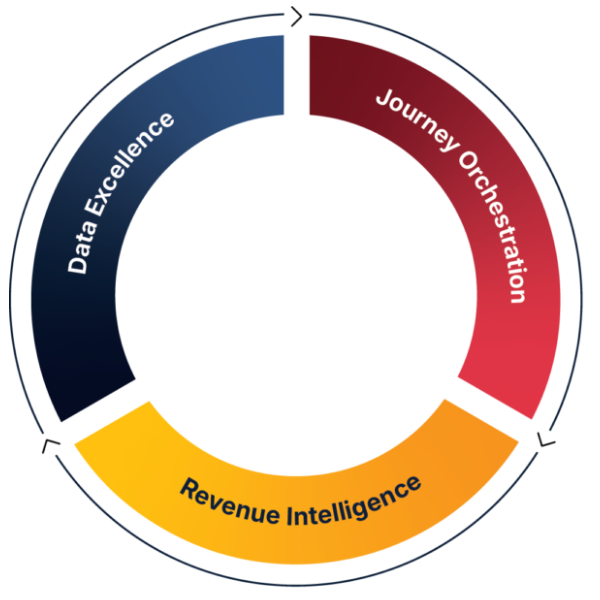
Marketo’s Evolving Role in the Revenue Acceleration Loop
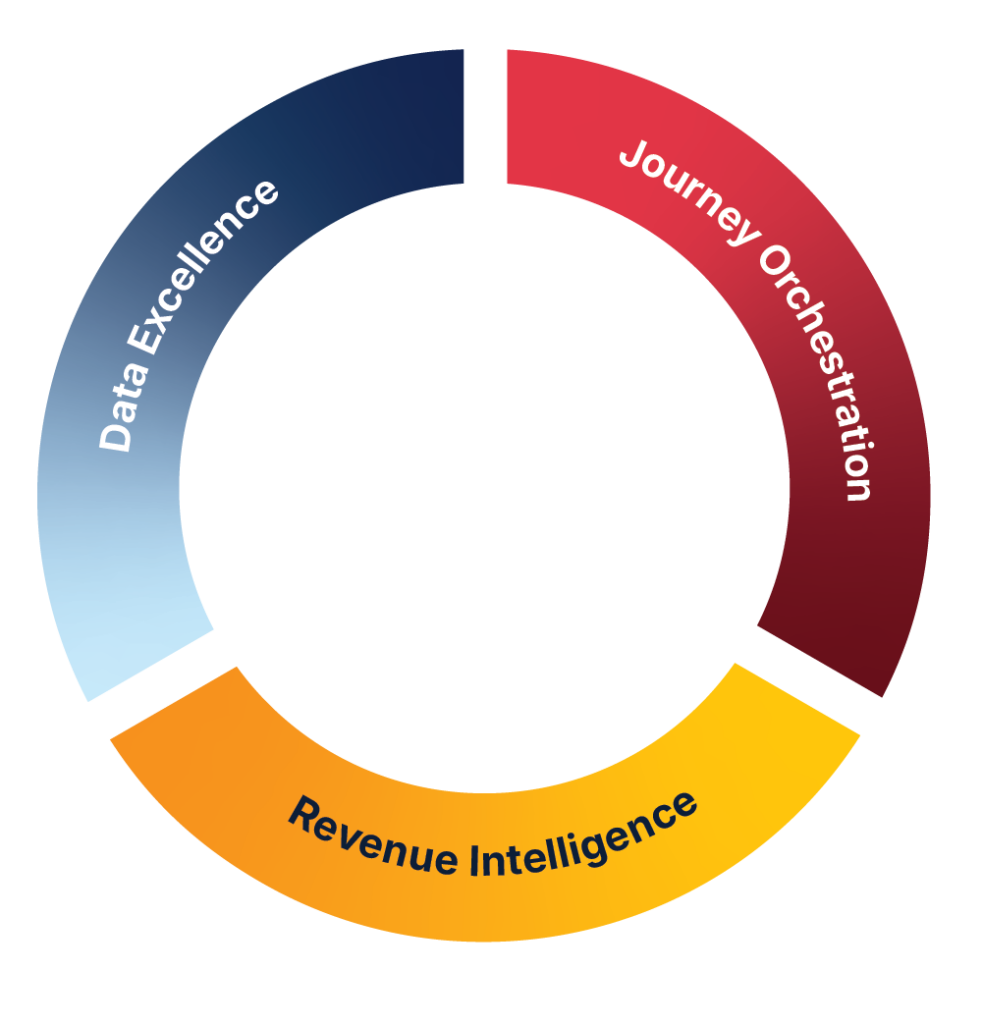
These updates make it easier for organisations to create consistent experiences, activate audiences with intent, and maintain the operational discipline the Revenue Acceleration Loop framework relies on, and it’s exactly where JTF helps teams turn Marketo into a driver of measurable acceleration rather than just a campaign tool.
Hidden gems: Quietly deployed improvements
It appears that Marketo has also left some early “Easter Egg” surprises around the platform, and one cool improvement has already been spotted – a true quality-of-life feature that solves a long-standing fear for program builders.
You can now see where your program tokens are in use directly within the My Tokens tab of your programs. For years, deleting a token was a high-risk operation, as a simple mistake could break multiple landing pages, emails, or even smart campaigns across several programs. With this new visibility, deleting a token and inadvertently breaking your program(s) is now a thing of the past. It offers peace of mind and significantly de-risks program maintenance and cleanup efforts.
Conclusion and next steps
The January release brings a wide range of updates, with the majority of the focus appropriately placed on improving the new email designer’s usability and feature set. From managing brands to easier content organization and de-risked token management, these enhancements will collectively save marketers time and reduce errors.
However, the most critical takeaway for all Marketo administrators is the API sunset deadline. Your integrations are at stake, and this change must be prioritized immediately.
Have you spotted other useful enhancements Marketo has kept secret? Please tag me on LinkedIn and let me know! Any new features I find, I will also share actively.
Want to stay in the know on what is happening with Marketo and other Adobe B2B tools? Check out our webinars about relevant topics here.
Frequently Asked Questions
The most impactful updates centre on the new email designer – specifically brand management, improved AI prompting, and better asset organisation – all aimed at making content creation faster and more consistent.
Yes. Any integrations still using the access_token query parameter must be updated before 31 March to avoid service disruption.
You now have more granular engagement signals – such as separate triggers for polls, surveys, downloads, and link clicks – allowing for more personalised and relevant post‑event nurturing.
It consolidates all Adobe product communities into one place, making it easier to find resources, ask questions, and learn across the full Adobe ecosystem.
The updates strengthen key parts of the loop – smarter content creation, clearer engagement data, and stronger operational governance – helping teams build more connected, repeatable revenue workflows with Marketo at the centre.